Case Study: How organizing around student interests, not program silos, transformed the Keller Center website
Almost no one could say what the Keller Center did, and the website made it harder. It was organized around four abstract verbs, and students had to guess which one held what they wanted. I led the research, the redesign, and the build of a site that says what the center does, groups its offerings by interest, and presents them as one center’s work. I also brought together stakeholders with competing goals around a single plan.
RESULTS: Greater student awareness of the center’s offerings • students found information and services much more easily • stakeholders with competing goals aligned around one plan • approach shared with campus web teams and used to advise other departments
The challenge
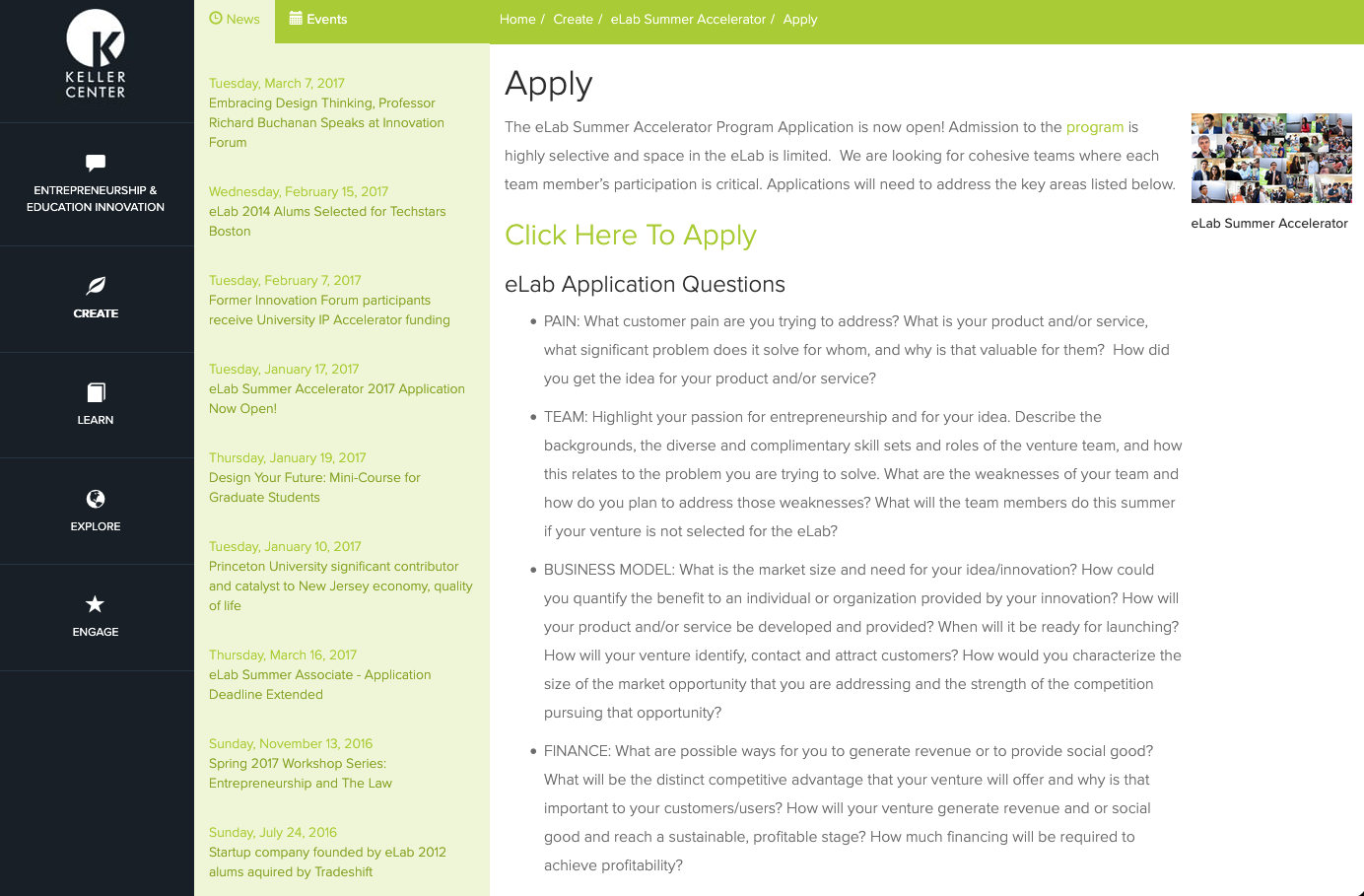
The old site grouped everything by verb: Create, Learn, Explore, Engage. Courses, internships, office hours, the incubator, the accelerator, workshops, the design thinking program, certificates (Princeton’s equivalent of a minor), student project funding, events, and the entrepreneurship building and its resources each sat under one of those four words. To find an offering, a student first had to know which verb held it. The site expected visitors to understand how the center organized itself before they could find anything.
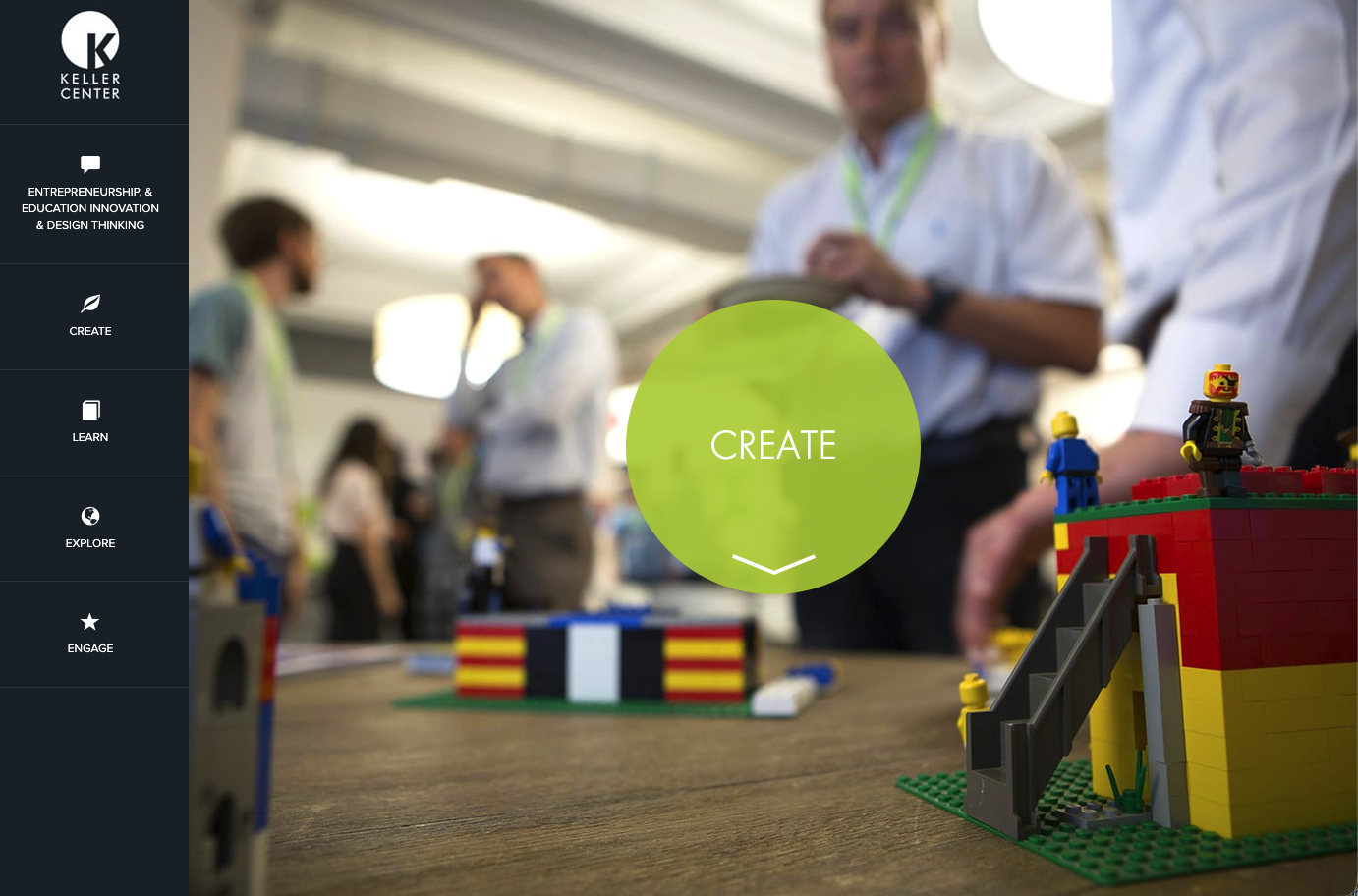
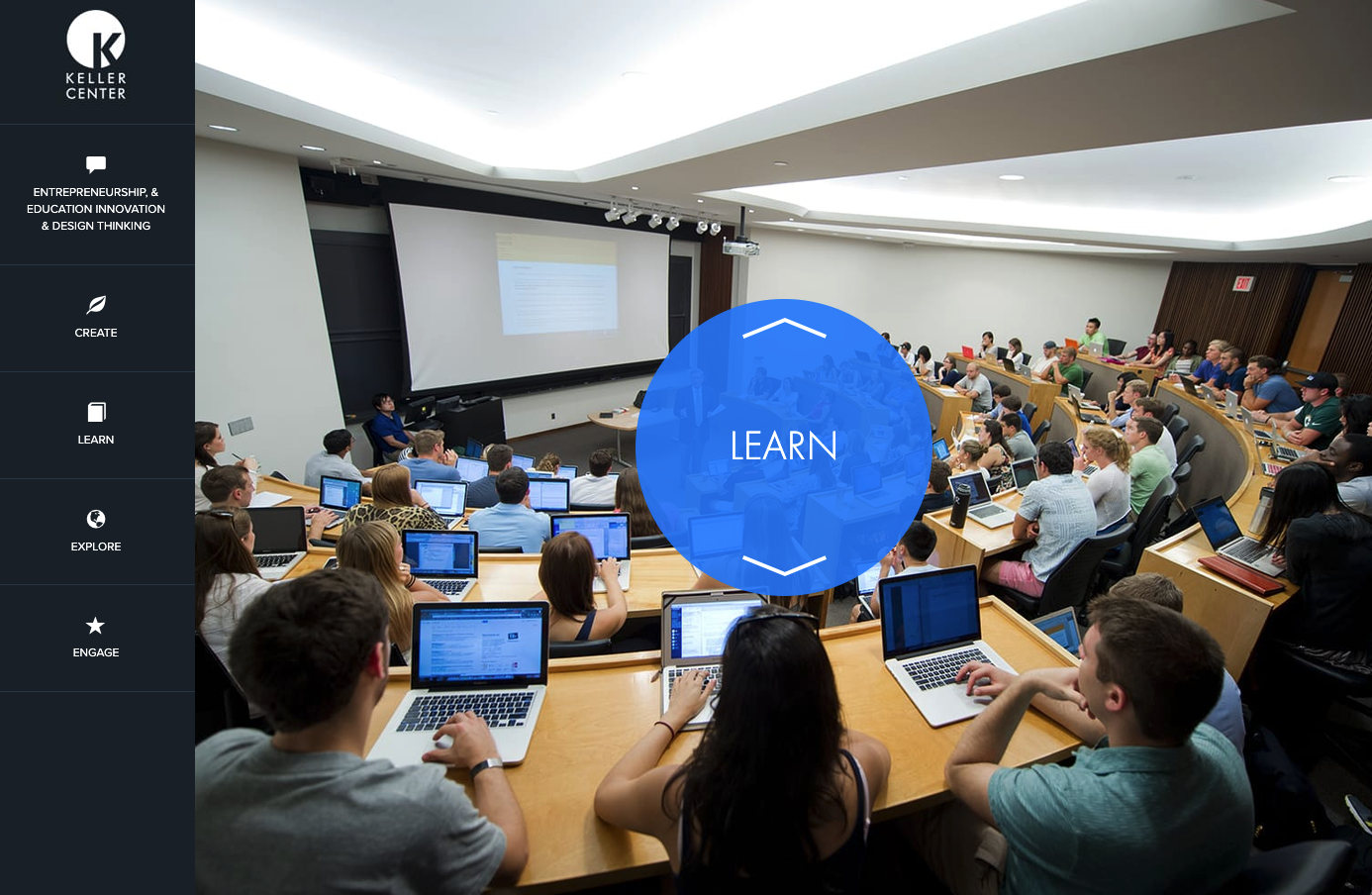

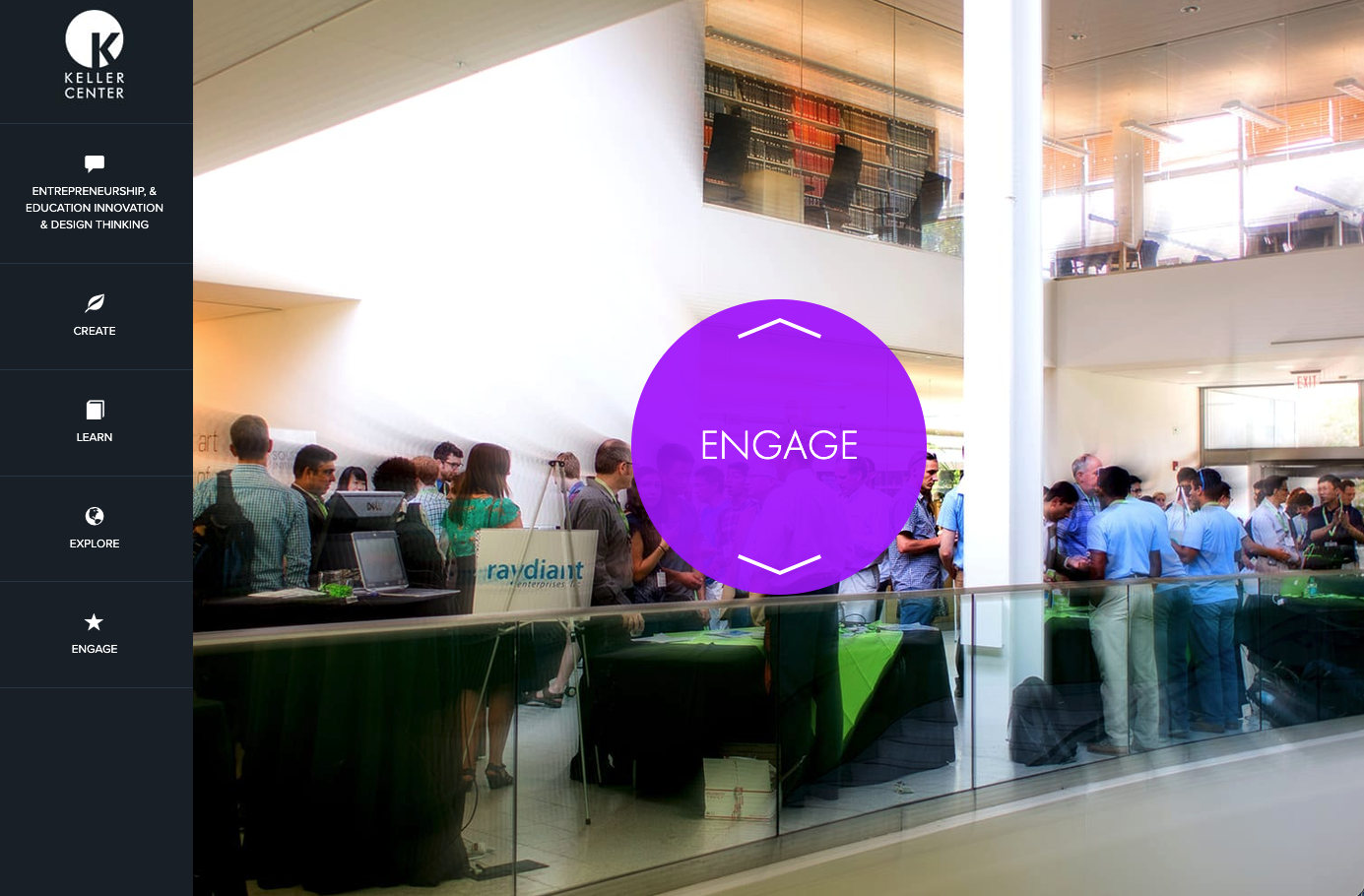
That structure created silos. A student interested in entrepreneurship couldn’t see the entrepreneurship courses, internships, and summer programs in one place. They had to drill into each section, hunt for what applied, and piece the picture together themselves.
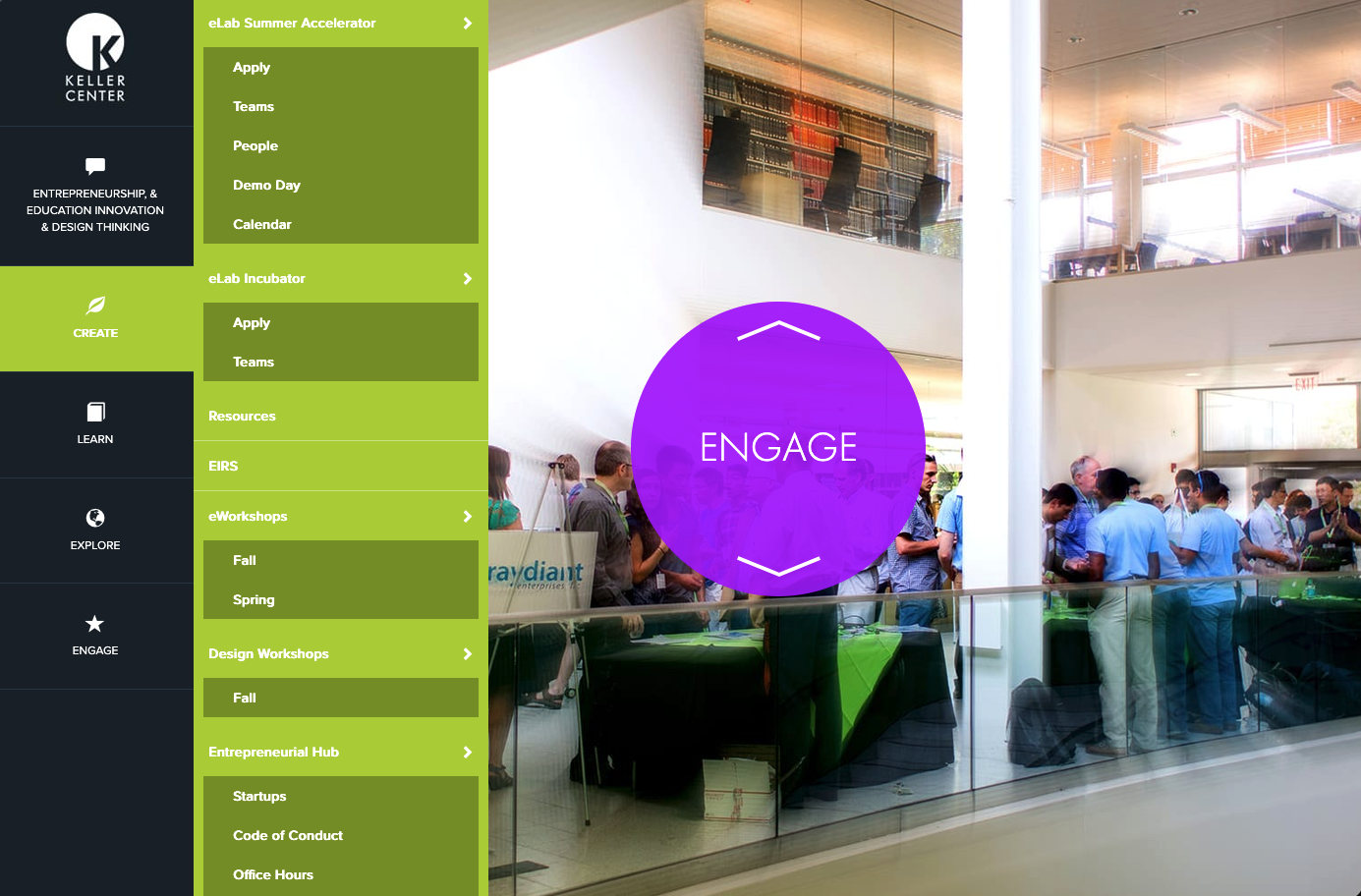
A bigger problem sat underneath: people, both inside and outside the center, didn’t have a clear picture of what the Keller Center does. The site did nothing to fix that. Each program had its own logo and look and feel, and none read as part of the Keller Center, so visitors saw a scattering of unrelated programs.
The rest of the site added more friction:
- Design. The site used a range of colors, some with poor contrast, and it didn’t display properly on phones. Some pages added a second left column of news stories, so readers had to skip past it to reach the content they came to find.
- Writing. The copy wasn’t written for the web. It was wordy and full of acronyms. The Princeton Startup Immersion Program appeared as “PSIP,” not as the internship program it is, a word every student already understands. Links often read “Click here.”
The key insight
Students weren’t thinking in verbs, and they weren’t thinking in program names. They were thinking about topics: “I’m interested in entrepreneurship. What Keller Center offerings are available to me?” I challenged the assumption that students should have to learn the center’s internal structure before they could use it, and made the case that the Keller Center should present itself as one center with a clear purpose, organized around the pillars students could actually relate to: entrepreneurship, innovation, and design to create societal impact.
What I did
I started with an inventory of everything the center offered. Then I led leadership and staff through card sorting exercises to group the offerings, and tested the resulting category names with students to find the words they’d naturally use.
I also tested the program names and logos with students. They didn’t recognize the programs or their logos, and they definitely didn’t connect them to the Keller Center. The branding was a findability problem, not just a visual one.
From that research I proposed a taxonomy. Every item on the site (programs, courses, workshops, events, news, people) could be tagged with the center’s pillars. A student reading about an entrepreneurship course would see right alongside it that the center also offers an entrepreneurial summer program and an internship. The related offerings find the student, instead of the student hunting for them.
I also made the center’s purpose clear up front. The new home page opens with a single statement: The Keller Center at Princeton University creates societal impact through entrepreneurship, design, and innovative education. Each of those ideas has its own page that gathers every related offering in one place: societal impact, entrepreneurship, design, and innovative education.
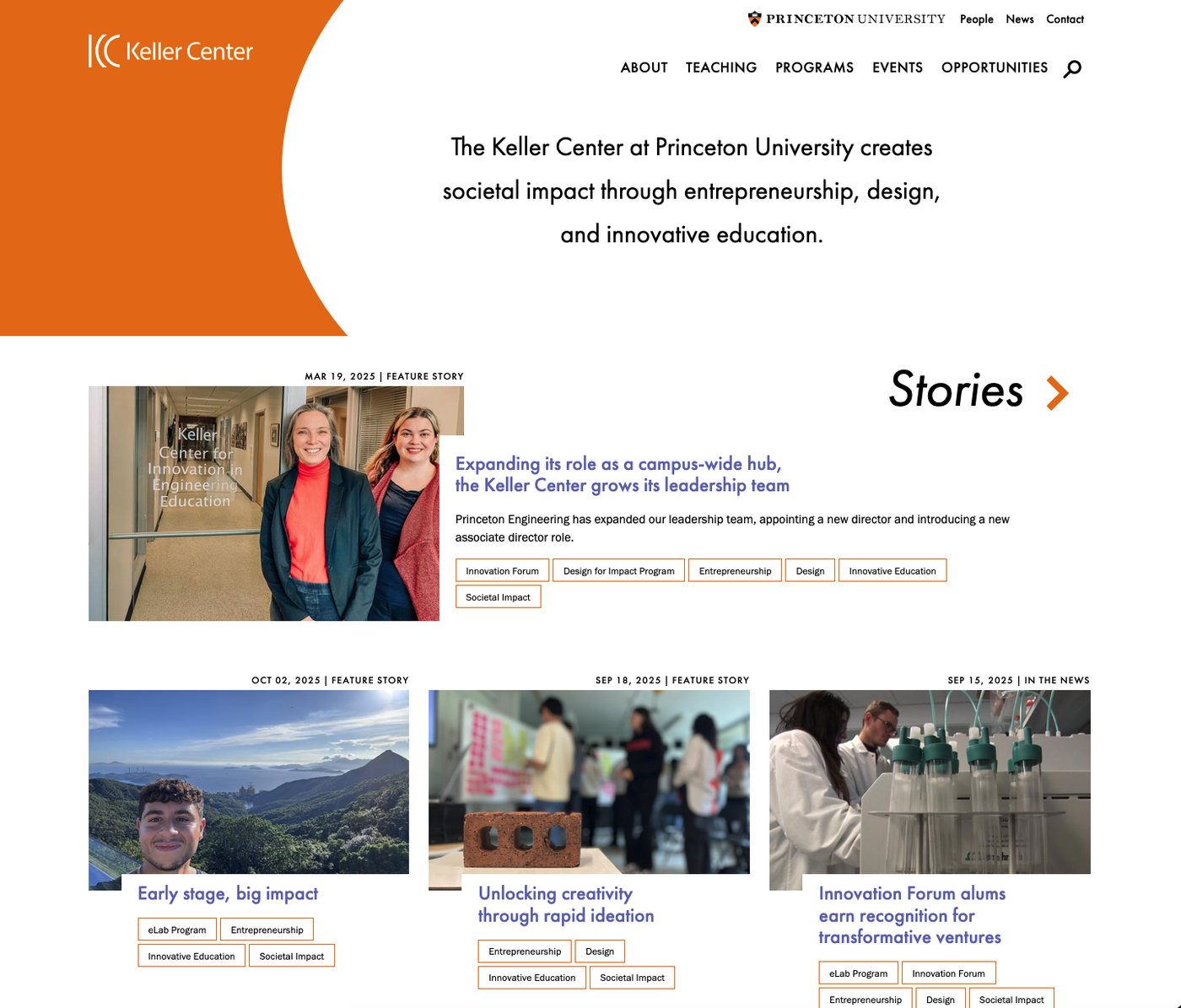
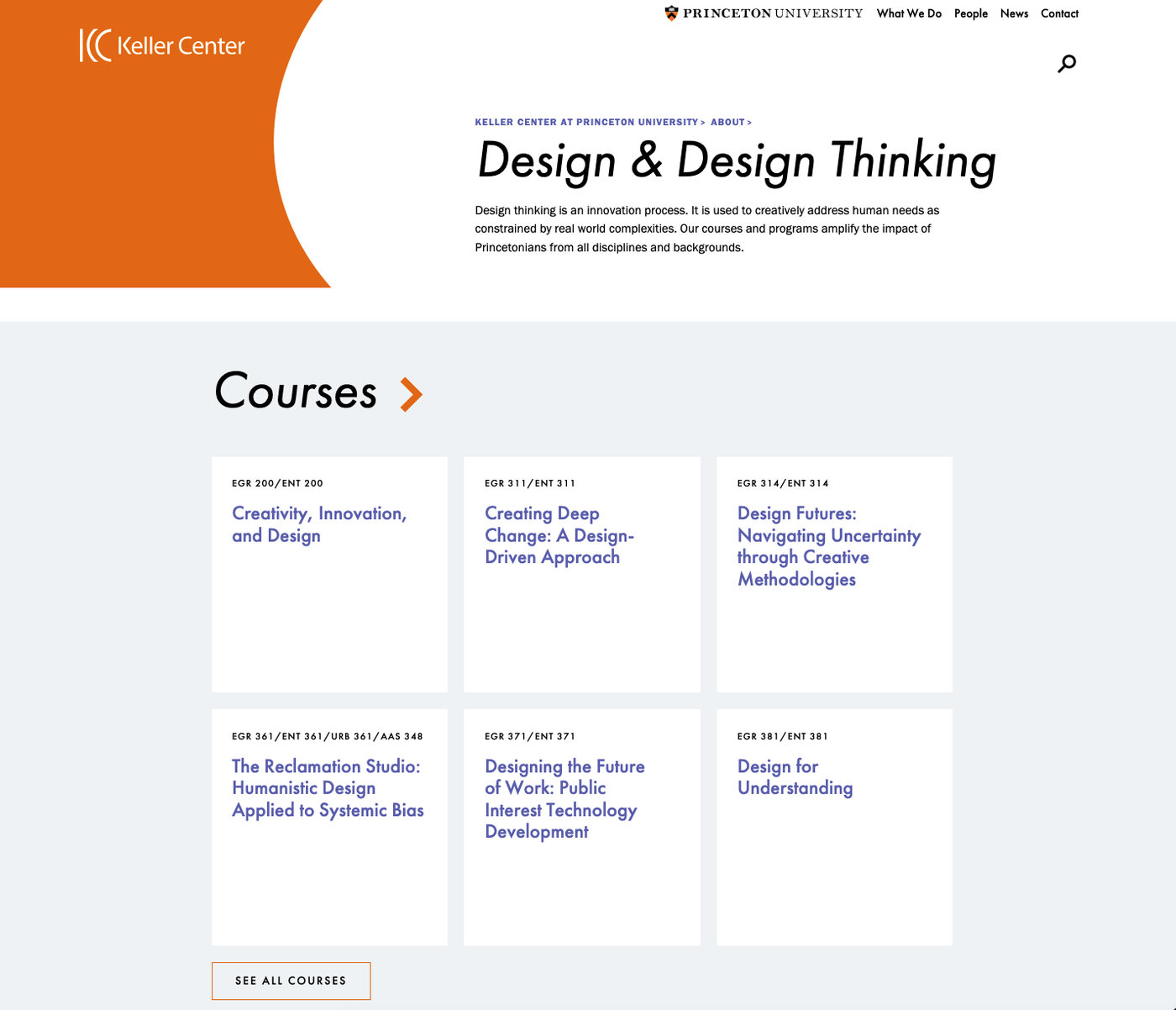
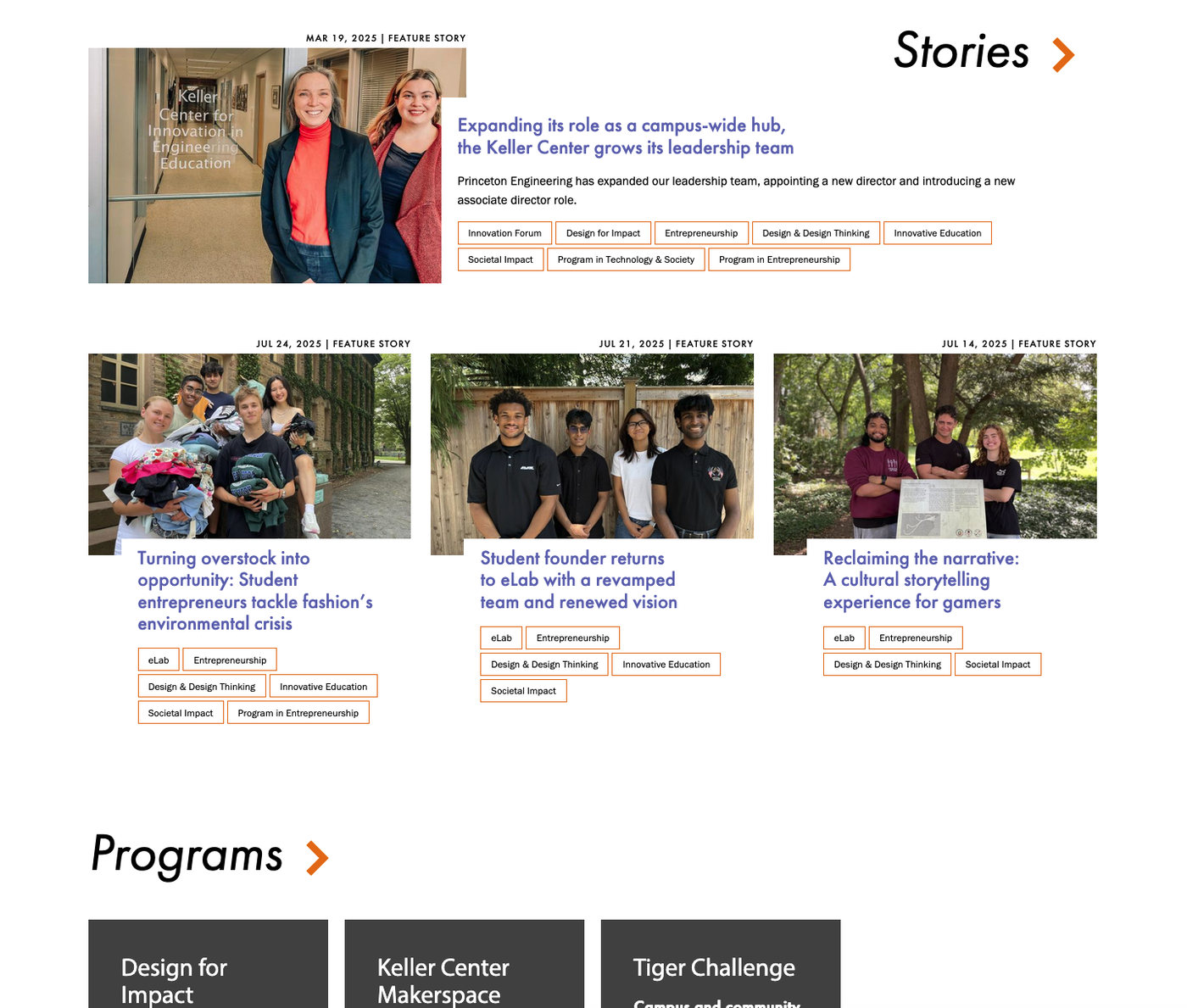
I developed the wireframes, documented the interaction design, and rewrote the content in plain language. A program like PSIP is now described as what it is: an internship.
How I got everyone on the same page
As in my earlier City of Las Vegas redesign, this project had many stakeholders, and their goals often conflicted. Leadership, program staff, faculty, and students each had their own priorities. Every program wanted its own identity and prominence, and a structure that works for one program can work against another. A site built around any single group’s preferences would have been worse for everyone else.
The card sorting exercises were as much about building agreement as about gathering data. I led leadership and staff through sorting the center’s offerings themselves, so the people who knew the programs best reached the groupings through their own work, not by accepting mine. Because they helped build the structure, they had a stake in it. I then tested the categories, names, and logos with students, which put the same evidence in front of everyone.
The hardest case was the logos. Each program wanted to keep its own, and understandably so, since each was proud of its identity. But students didn’t recognize any of them, and the logos did nothing to connect a program to the center or to its sibling programs. I helped people see that each program would benefit more from serendipitous discovery than from a separate identity. A student who found one program would run into the related ones, and the center’s name would carry the recognition no single logo had earned. Once programs saw that giving up their own branding would bring them more students, not fewer, they backed the change.
The result was one structure that every group could support, and it served each of them better than their separate approaches had.
How I built it
I wrote the RFP for a design and development firm, conducted site visits with the prospective firms, and managed the selection process. I then managed the design and development, and ran usability and accessibility testing with students throughout the build, not just at the end, so problems surfaced while they were still inexpensive to fix.
After launch, I presented our approach at several meetings of campus web content managers and developers, and advised other departments on their own redesigns.
Results
- The silos came down. Related courses, programs, internships, and events now appear together by pillar.
- The center’s purpose became clear. A single statement on the home page, backed by a page for each pillar, tells visitors what the Keller Center does.
- Students understood the site. Categories and program descriptions used the terms students chose in testing.
- The center spoke with one identity. Offerings now present as Keller Center offerings, not a collection of unrelated programs.
- Awareness and findability improved. Student feedback showed greater awareness of what the center offers and much less difficulty finding what they needed.
- The approach spread. Other campus teams adopted it through my presentations and advising.
What this demonstrates
- Redesigning around how people think, not around how an organization is structured
- Aligning stakeholders with competing goals by having them help build the solution and then testing it with real users, not by mandate
- Using research (card sorting, term testing, name and logo testing) to replace internal assumptions with facts
- Leading a project end to end, from inventory and taxonomy through RFP, vendor selection, build, and accessibility testing